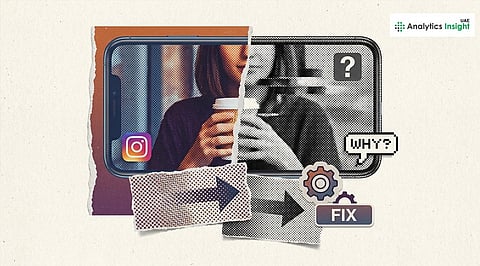


Instagram users report that colored photos are turning black and white after upload. The issue is not linked to user edits, according to user reports. The problem originates from three factors, including application problems, format-matching issues, and processing failures that occur in Instagram's system.
Reports suggest that this happens due to a short-term rendering failure. The problem frequently occurs after the application has been updated or when there are backend system failures. The application struggles to handle color information, resulting in posts with gray tones.
Another common factor is image format. The Instagram platform does not allow proper compression of HDR and HEIF photos that users capture. Due to Instagram’s specific format constraints, the platform may strip color data during conversion. The platform may strip color data during conversion. Instagram’s in-app editing tools can occasionally misfire.
This glitch can happen when a filter or adjustment gets applied incorrectly. The output results in two different effects: decreased color intensity and complete grayscale display.
Temporary glitches can be fixed through either an app restart or by logging out and logging back in. You can also restore color to normal by clearing the Android cache or reinstalling the app on iOS.
You can also re-upload images after making small changes. The process of taking a screenshot or saving the file in JPEG format removes all problematic metadata. The compatibility of files improves when users reduce the image size, and they stop uploading HDR content.
When the same issue persists with multiple users, it is likely due to a server issue. The only fix to this issue requires users to wait for an app update and backend maintenance. Simple fixes usually restore color, though persistent cases may need platform-level resolution.
Also read: Jeff Bezos Eyes $10 Billion Boost for AI Startup Targeting Real-World Industrial Transformation