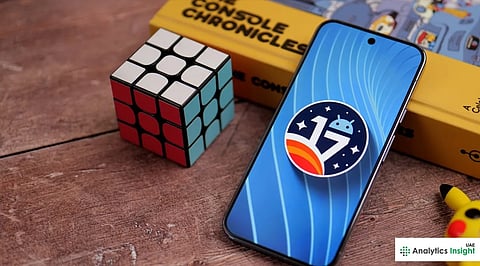


Android 17 has already started rolling out to some eligible Pixel phones, with Google adding new artificial intelligence-powered features, privacy options, and productivity features, among others. Other software updates include improved multitasking and wireless audio capabilities. However, users are still facing technical glitches.
Android 17 introduces several improvements designed to enhance the user experience. One of the notable features of the OS is App Bubbles, which allow users to launch supported apps in a bubble format and make multitasking easier. This new feature is especially convenient for use on tablets and foldable smartphones, where users tend to switch between different apps.
Another new feature introduced by Google is a redesigned Bubble Bar that provides quick access to recent apps without interrupting current activities. Customization of the phone is becoming more flexible, with new options such as hiding app names on the home screen, screen recording with selfies, and enhanced parental controls.
The security feature continues to stand out among the updates made to Android 17. The new software includes temporary location and contact permission options designed to help users manage their private information. Android 17 also introduces a ‘Mark as Lost’ feature, which increases anti-theft capability. This makes it difficult for the thief to access the device.
Despite the recent updates, Android 17 has received negative feedback from early users. One of the most common problems is that of touchscreen responsiveness. Quite a few Pixel owners have reported missed touches, reverse scrolling, delayed input, and unresponsive screens when upgrading their devices.
This problem has been identified by Google. The tech giant has provided a couple of methods for fixing it: temporarily deleting the Pixel Launcher cache and disabling the Triple-Tap Magnification accessibility shortcut.
Another issue is that home-screen widgets disappear after a device reboot, particularly on phones with work profiles. Google has identified the problem and is working on a patch.
Also read: Google Launches a Standalone Finance App with AI Tools and Real-Time Market Data