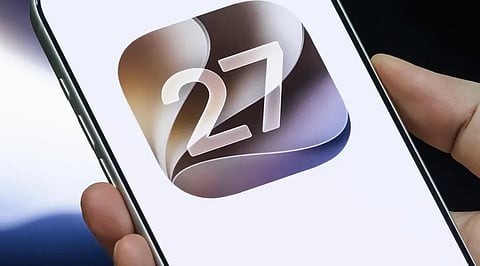


Apple added a new Impersonation Risk Detection feature to iOS 27 that can identify signs of active scams before users make payments or change sensitive account details. The feature is designed to detect social engineering attempts involving fake banks, government agencies, delivery services or trusted individuals.
Apple says the feature examines information from the iPhone or iPad and the user’s Apple Account to assess whether suspicious activity may be taking place. Apple said, “Impersonation Risk Detection can help protect you from scams by detecting suspicious activity in real time.”
The assessment can be requested by supported apps during actions that carry a higher scam risk. These actions include making a payment or changing important account security details such as a password.
The system assigns one of three risk levels: Unknown, Medium or High. Unknown indicates that no suspicious activity was detected, though Apple says it does not confirm that an action is safe. Medium signals some signs of suspicious activity, while High indicates significant signs.
Apps receive only the resulting risk level. They do not receive the underlying information used to generate the assessment. The app can then decide whether to show a warning, request additional verification or take another action.
Users can activate Impersonation Risk Detection through the Settings app. Open Privacy & Security, select Impersonation Risk Detection, and enable Share with App Developers. An Apple Account sign-in may be required.
The feature is available in iOS 27 and works only with apps that support it. Users can also manage access for individual apps through the same settings page.
Apple says the assessment is not a guarantee that an action is safe. The company advises users to continue following other security measures and exercise caution when handling sensitive transactions.
Also Read: Seeing iOS 26.7 Instead of iOS 27 on Your iPhone? Here’s What You Need to Do