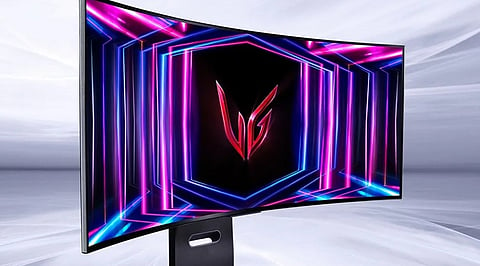


LG has agreed to disable a McAfee promotional pop-up shown through its Monitor App Installer. This decision comes after Microsoft raised concerns that the software appeared on Windows PCs without users intentionally downloading it.
The issue affected at least eight LG UltraGear monitor models, according to reports. Users said that the installer appeared after connecting their monitors. It creates concerns that a routine hardware setup process was being used to promote additional software.
LG has not confirmed plans to stop distributing the Monitor App Installer through Windows. The company highlighted that McAfee is not installed automatically and requires user approval before installation. Microsoft’s EVP for Windows and Devices, Pavan Davuluri, said LG had agreed to remove the pop-up as an immediate measure.
Windows 11 supports automatic delivery of drivers and related software when compatible devices are connected. The feature is designed to simplify setup for products such as monitors and printers. LG used this distribution channel for its Monitor App Installer. The software then displayed recommendations, including an option for McAfee’s Scam Detector.
The concern raised by users was not limited to whether McAfee was installed. The issue focused on the appearance of a promotional message after connecting a device, without a clear request from the user.
The incident has renewed debate over how hardware makers use trusted Windows software delivery systems. While automatic driver installation can improve convenience, additional promotions can blur the line between essential device support and optional software offers.
Windows users who do not want the LG Monitor App Installer can remove it through the Installed apps section under Settings. The software may appear under names such as ‘LG Monitor App Install’ or 'LG Monitor App Installer’.
Users who installed McAfee separately after giving consent will need to remove that application through its own uninstall option. Microsoft also provides settings to control automatic device software installation. Changing those settings may affect automatic driver updates, making removal of the LG utility a more targeted approach.
The wider issue is that LG’s decision addresses the visible advertising issue, yet the broader question still is about how much optional software device manufacturers should deliver through official Windows channels. As hardware becomes more connected, companies will need to ensure that setup processes provide convenience without reducing user control.
Also Read: Microsoft Shifts Focus to Seamless Android Connectivity in Windows 11